Sliding Text GIF Templates
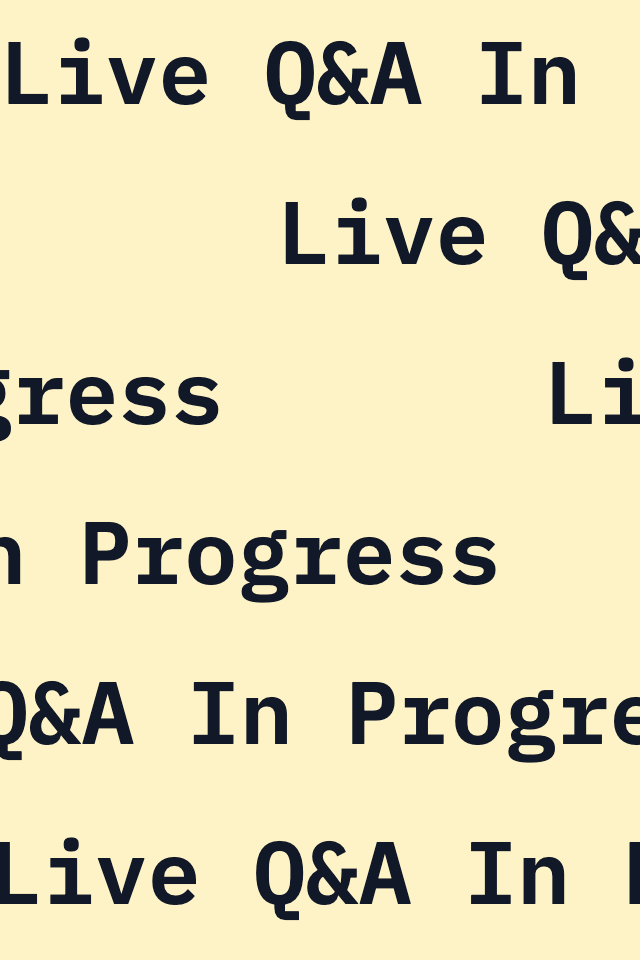
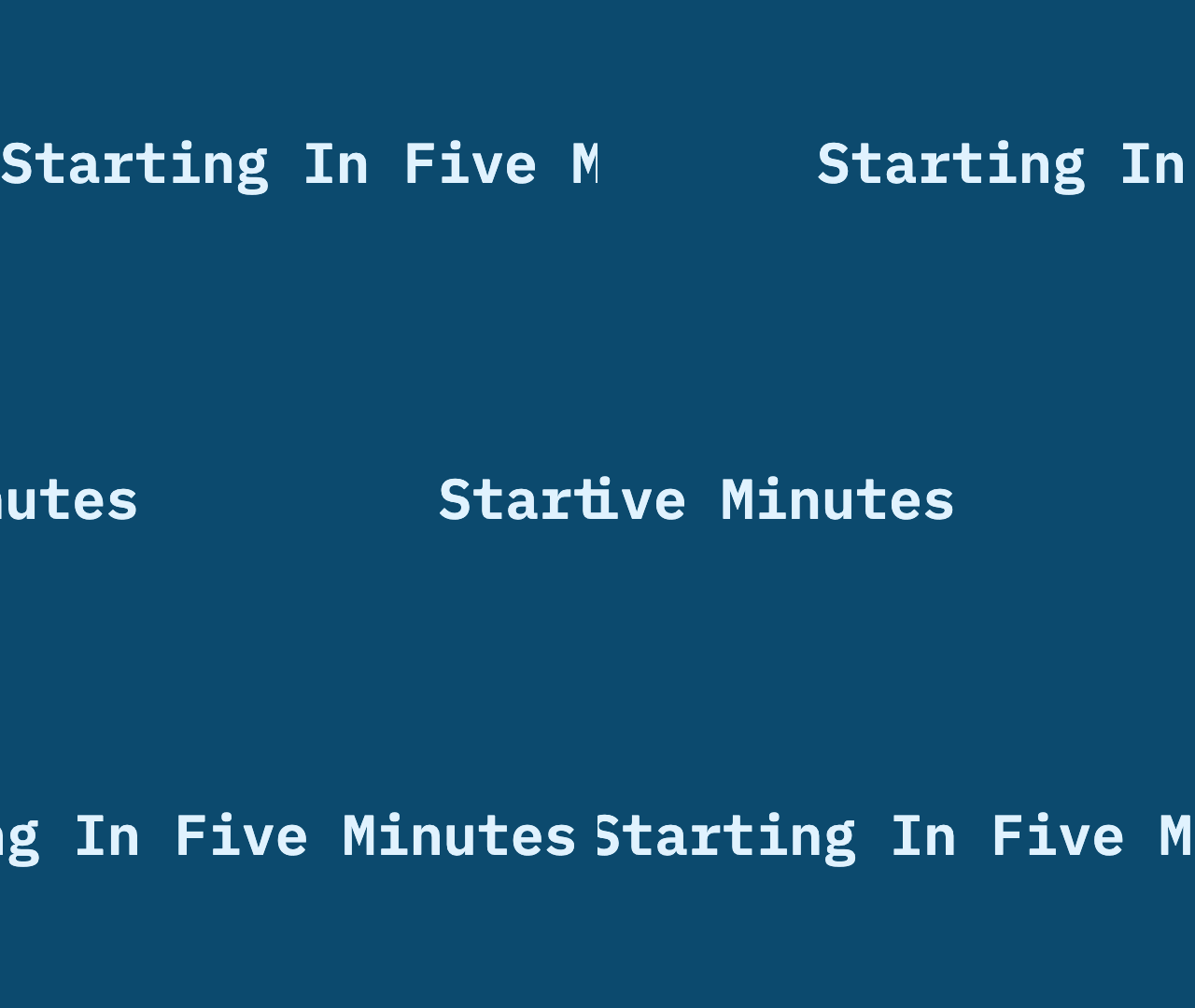
This library has ready-made sliding text GIFs. Each one scrolls a single line of text left or right: either as a looping ticker, or as a single pass that plays once.
Download a preset from this page, or open the scrolling text GIF maker to type your own message. Exports run in your browser. No account is required, and the free GIF has no watermark.
Ready-made sliding text GIFs
- A looping news ticker, such as "Breaking News: Live Now"
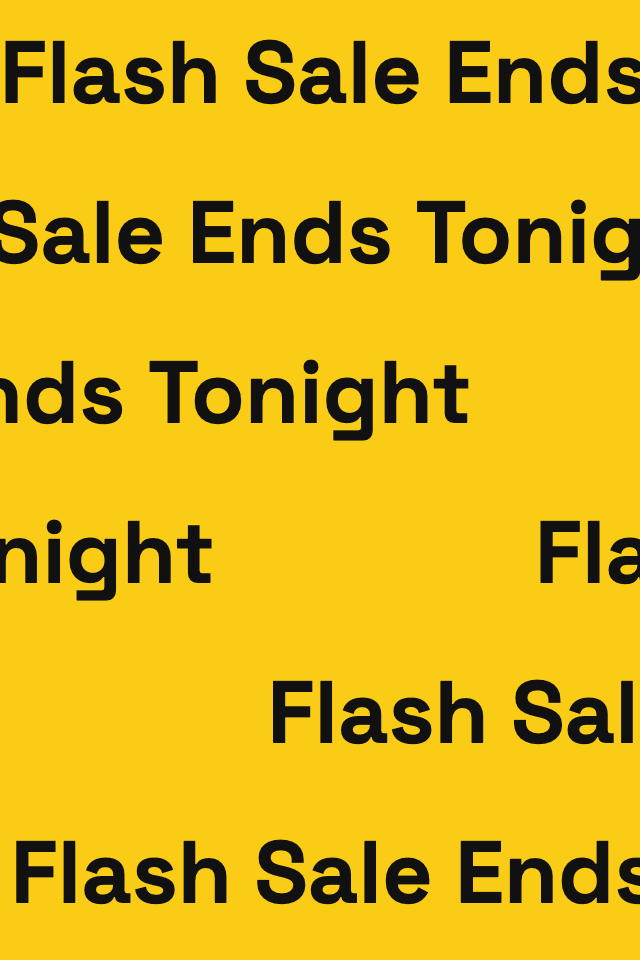
- A sale banner, such as "Flash Sale Ends Tonight"
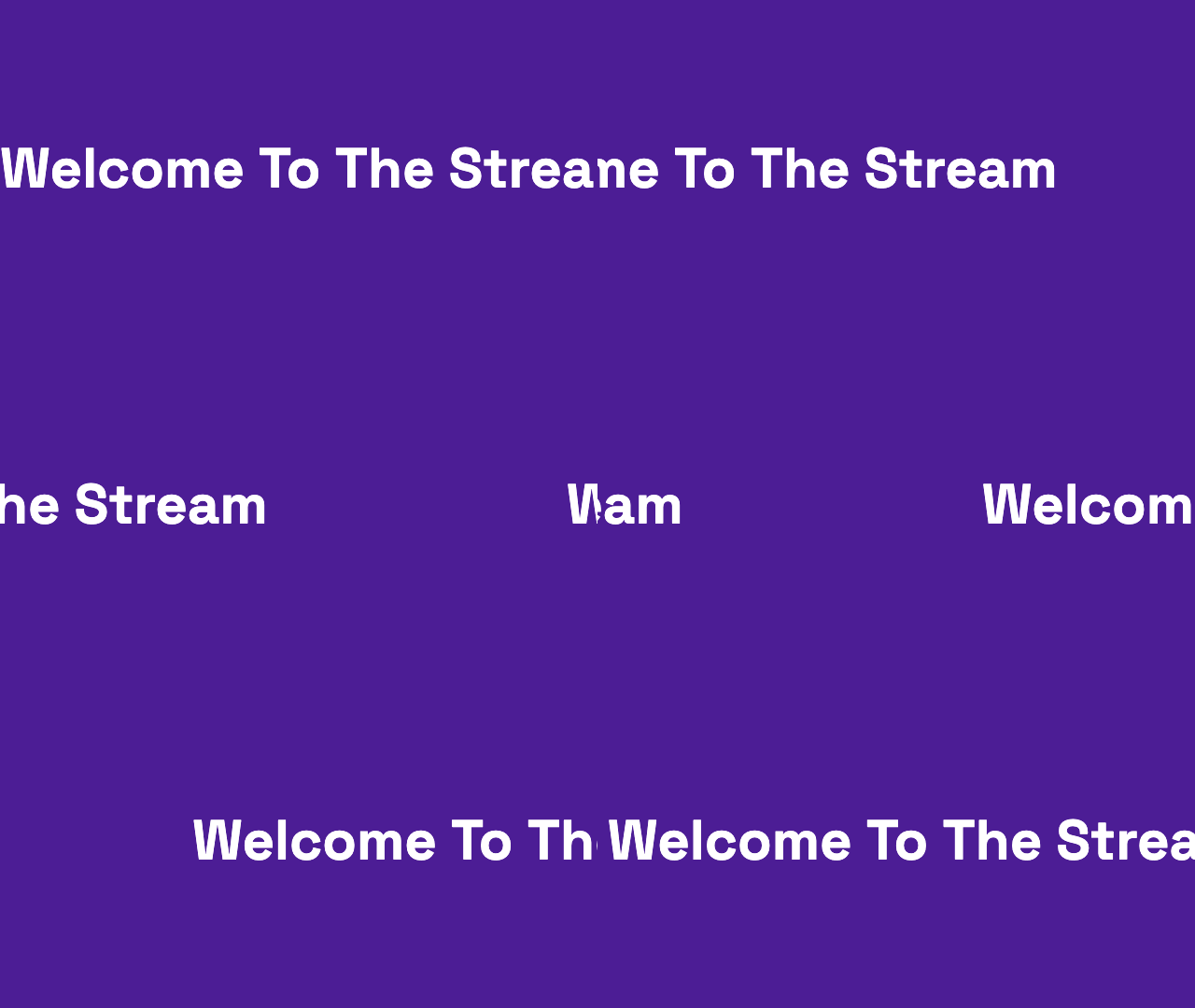
- Stream messages, such as "Welcome To The Stream" and "Be Right Back"
- Calls to action, such as "Subscribe For Updates" and "Link In Description"

















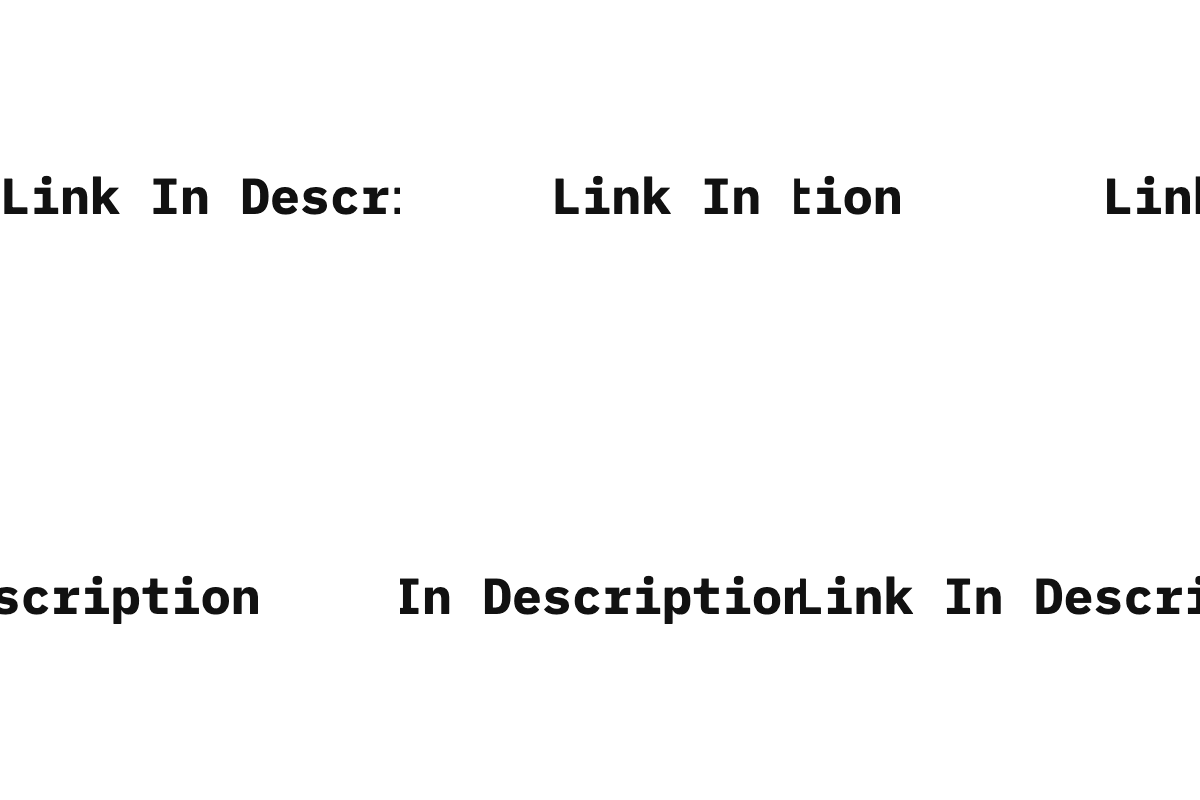
Horizontal formats and canvas sizes
The maker starts with a 4:1 banner at 1280 × 320, moving from right to left at 200 pixels per second. Each template sets its own size, direction and speed, and in the maker you can switch between the 4:1 banner, 16:9, a 1:1 square, or an 8:1 LED-style strip.
Loop forever or play once
Set the motion to loop like a news ticker, or play once so the GIF runs one scroll cycle and stops. Movement is horizontal only (left or right). The maker caps on-screen duration at 60 seconds.
Export in the browser
Everything renders in your browser, with no account. Free scroll GIFs export with no watermark, up to 1280 px on the longest edge, within the 60-second export cap (the pixel-frame and file-size budgets can make a long or 1:1 square GIF shorter). Free silent MP4 exports go up to 1080p for up to 60 seconds. If you need an HD GIF, $5 buys 20 credits that never expire; one HD GIF uses 1 credit. There is no subscription.
GIF exports also have a 250 million pixel-frame budget; maximum duration depends on size.
Frequently asked questions
Can I make the text slide up or down?
No. The tool scrolls a single line of text left or right only. It cannot slide up or down.
What is the difference between this page and the scrolling text GIF maker?
This page is a library of ready-made sliding text GIFs. To change the wording, pick left or right, choose a canvas size, and export your own file, use the scrolling text GIF maker.
Is it free, and do I need an account?
You can export a free GIF in your browser with no account and no watermark, up to 1280 px on the longest edge, within the 60-second export cap (the pixel-frame and file-size budgets can make a long or 1:1 square GIF shorter). Free silent MP4 exports go up to 1080p for up to 60 seconds. For HD GIF exports, $5 buys 20 credits that never expire (1 credit per HD GIF). There is no subscription.
Can the sliding text stop after one pass instead of repeating?
Yes. Set the motion to loop forever, like a ticker, or to play once so the GIF runs one scroll cycle and stops on its last frame.
What sizes and speeds are supported?
The default is a 4:1 banner (1280 × 320) scrolling right to left at 200 pixels per second. In the maker you can also choose 16:9, 1:1 square, or an 8:1 LED-style strip, with a 60-second on-screen cap. For help, email support@typinggif.com.
Last updated: 2026-11-10