Typing text GIF maker
typinggif is a typing text GIF maker for developers, designers, and creators who need clean animated text for documentation, presentations, or video projects. The tool is free to use without an account or watermarks, with optional paid credits available for larger resolutions and longer durations.
Free and paid export specifications
Exports contain no logos, branding, or overlays, only the text you type.
All rendering and encoding happen inside your browser, so your text is never sent to or stored on a server.
- Free plan
- No watermark, no sign-up, no export limit
- Free GIF exports
- Up to 800 px on the longest edge, 15 fps, up to 10 seconds
- Free MP4 exports
- 720p, 30 fps, up to 10 seconds
- Paid GIF exports
- Up to 1280 px on the longest edge, up to 15 seconds
- Paid MP4 exports
- 1080p, up to 60 seconds
- Credit pricing
- $9 for 5 credits or $19 for 20
- Credit terms
- One credit per export, one-time payment, credits never expire
- Character limit
- Up to 280 characters across three animation styles
Three styles, timed by hand
Each style pauses at punctuation. The strip under the preview shows exactly where the pauses fall.
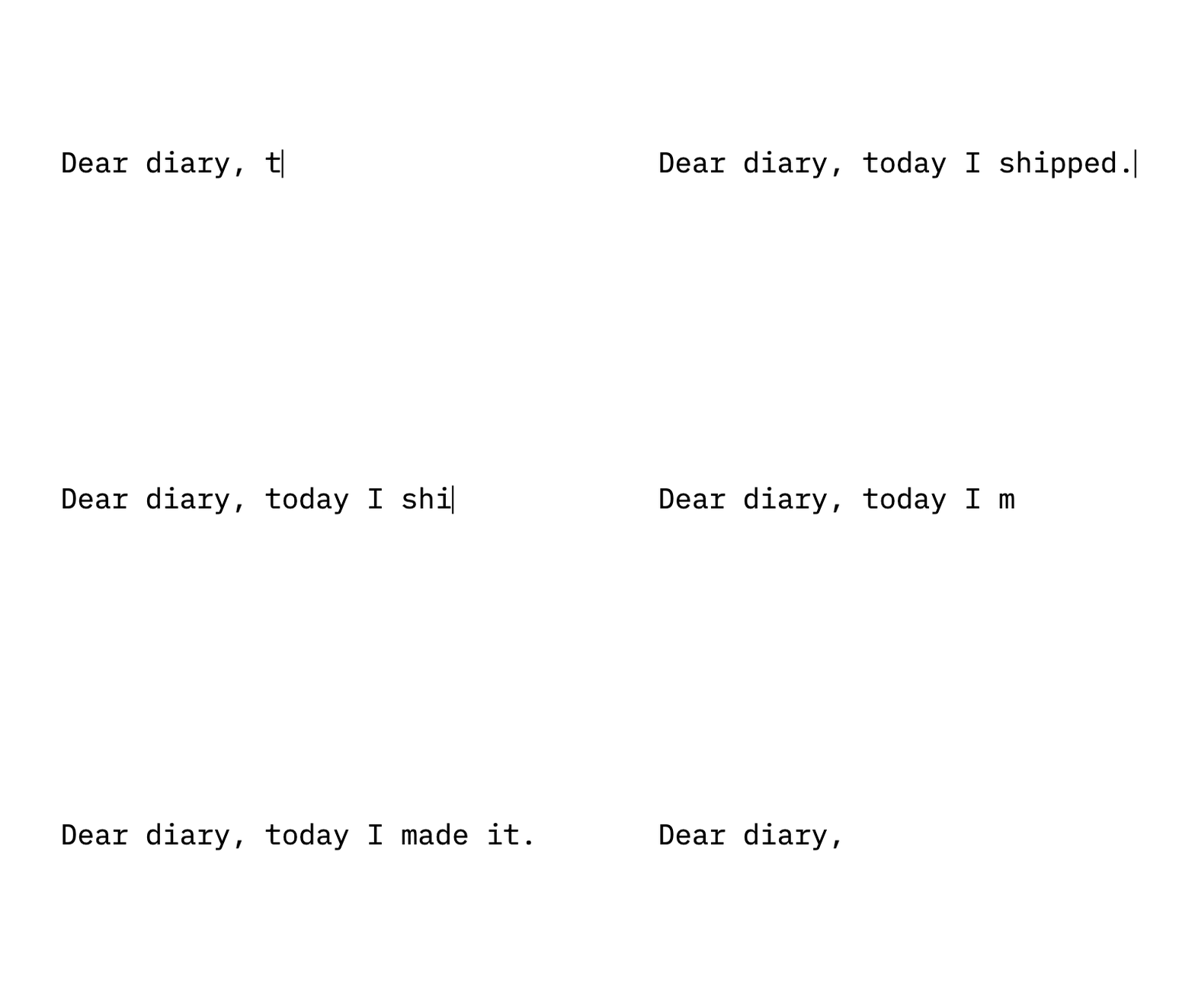
Typewriter
Text appears letter by letter with a thin caret.
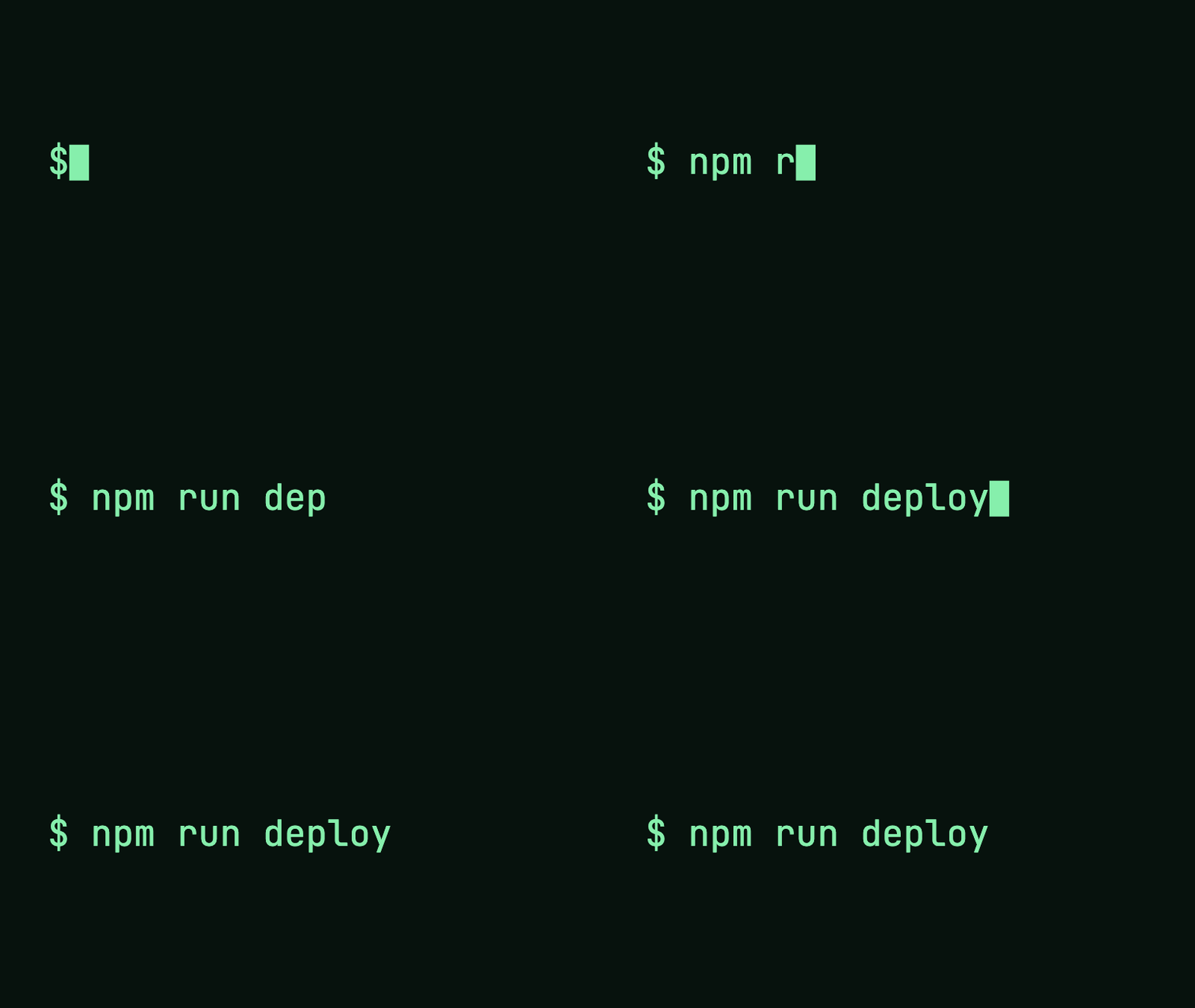
Terminal
A command prompt, monospace text and a block cursor.

Word by word
Whole words appear in sequence for slides and social posts.
Paste it where people read
Download a GIF for your documentation, slides or chat. Save it next to your README and paste the Markdown line provided with your file.
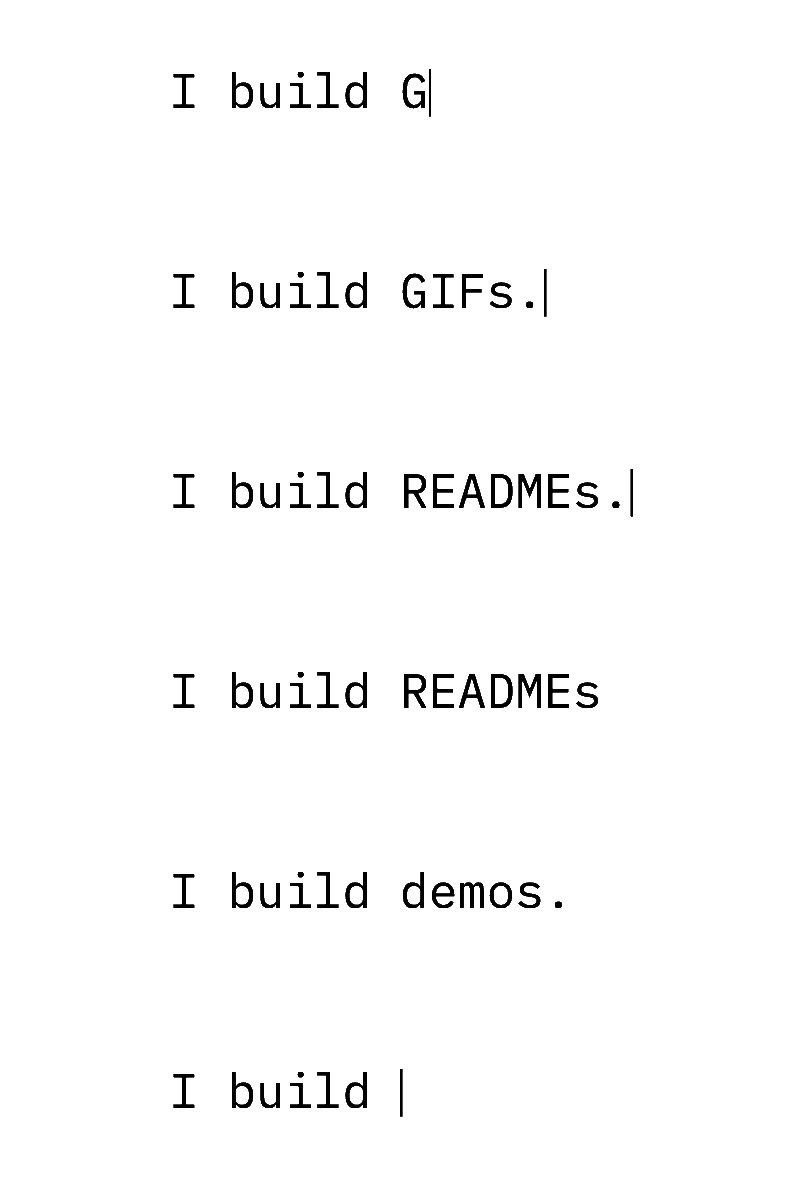
How to generate a typing animation GIF
In plain terms: a typing text GIF maker converts static text into an animated file that types out character by character.
You can type up to 280 characters. Text shrinks to fit the canvas; extra line breaks and rotating endings may need shorter text. Accented letters and emoji count as single characters. If your text does not fit, the tool shows how many characters to remove instead of cutting your sentence silently. Export duration limits still apply; increase the speed or reduce pauses for longer text.
You can pick from three animation styles:
Available open-license fonts include Inter, JetBrains Mono, IBM Plex Mono, and Space Grotesk.
- Typewriter: Displays text letter by letter with a thin caret.
- Terminal: Displays text with a command prompt, a monospace typeface, and a block cursor.
- Word by word: Reveals the message one full word at a time.
Realistic pauses and rotating text
Natural typing includes rhythm. The maker automatically inserts a short pause after commas, semicolons, and colons. It adds a longer pause after periods, exclamation marks, and question marks. You can disable these pauses if you prefer a steady rate. A visual timing strip beneath the preview shows when each character appears and where the pauses occur.
To showcase multiple phrases, use the rotating ending feature. You keep the start of the line constant while the tool types, deletes, and retypes between 2 and 6 alternate endings in a continuous sequence.
Export options for repositories and video editing
You can download your output as an animated GIF or a silent MP4. The GIF loops by default. GIF output is capped at 50 MiB.
For backgrounds, you can choose solid colors, a 1-bit transparent background for GIFs, or a green-screen background (#00B140) to key into video software. MP4 files do not support transparency. Once your download finishes, the page displays a ready-to-paste Markdown snippet to embed your file in a GitHub README.
Local encoding directly on your device
The entire generation process takes place on your computer. Your text is drawn and encoded directly inside your browser, meaning your words are never sent or saved to a remote server. Before you export, the tool checks the selected format on your browser and enables the download when that check passes.
Technical specifications
- Free GIF exports: Up to 800 px on the longest edge, 15 fps, up to 10 seconds.
- Free MP4 exports: 720p, 30 fps, up to 10 seconds.
- Paid GIF exports: Up to 1280 px, 15 fps, up to 15 seconds.
- GIF exports also have a 250 million pixel-frame budget; maximum duration depends on size.
- Paid MP4 exports: 1080p, 30 fps, up to 60 seconds.
- Pricing: $9 for 5 credits ($1.80 per export) or $19 for 20 credits ($0.95 per export). One credit equals one export.
- Payment terms: One-time payment. Credits never expire. Re-exporting the exact same configuration within 24 hours is free. Unused credits are refundable within 7 days.
- Limits: 280 characters maximum; text shrinks to fit. Extra line breaks and rotating endings may need shorter text. Maximum GIF file size is 50 MiB.
- Fonts: Inter, JetBrains Mono, IBM Plex Mono, Space Grotesk.
- Support contact: support@typinggif.com.
How to make your animation
Write your text
Enter up to 280 characters. Text shrinks to fit the canvas; extra line breaks and rotating endings may need shorter text. Choose typewriter, terminal, or word-by-word animation.
Preview your animation
Choose an OFL font, colors, timing, and size. Check the full animation before exporting.
Download GIF or MP4
Your device checks the selected format before you export. Download the finished file directly from your browser.
Frequently asked questions
Is this typing text GIF maker free to use?
Yes, basic exports are completely free. You can export GIFs up to 800 px at 15 fps for up to 10 seconds, or MP4s at 720p at 30 fps for up to 10 seconds. There are no export limits, no account sign-ups, and no watermarks.
Does the free download include a watermark?
No, free exports do not have watermarks. You receive the real, clean file immediately.
Is my text uploaded to your servers?
No, your text is never sent to a server. All text rendering and video encoding run locally on your device inside your web browser.
Can I make a typing GIF with a transparent background?
Yes, GIFs support 1-bit transparency. MP4 files do not support transparency, but you can select the green-screen background option (#00B140) for video overlays.
Can I add this typing animation to a GitHub README?
Yes, you can easily embed the file. After you download your GIF, the tool provides a ready-to-paste line of Markdown designed for GitHub README files.
How do paid export credits work?
Paid credits allow you to download larger files with longer runtimes. One credit pays for one export up to 1280 px (15 seconds) for GIFs, or 1080p at 30 fps (up to 60 seconds) for MP4s. Credits are purchased via a one-time payment, do not expire, and unused credits can be refunded within 7 days. If you need to re-run the same export within 24 hours, it will not cost an extra credit.
Can I control the pauses after punctuation?
Yes, you can toggle punctuation pauses on or off. When enabled, the tool adds short holds on commas, colons, and semicolons, and longer holds on terminal punctuation like periods. The timing strip under the preview indicates the exact placement of each pause.
Last updated: 2026-10-23