Loading text GIF
Build or download a custom loading text GIF for free without registering an account, installing complex software, or handling watermarked exports. Whether you need a simple waiting indicator for an asynchronous web component, a looping GIF posted in a Discord or Slack channel, or an engaging placeholder slide for a business presentation, looping text keeps visitors informed while background processes run. The client-side generator processes all text and frames entirely inside your web browser, ensuring your creative work remains private while rendering fast, lightweight animated files ready for immediate deployment across apps, presentations, and product prototypes.
A loading text GIF is an animated looping graphic that displays progress text, rotating ellipses, or sequential progress updates to indicate an active background task, system calculation, or temporary delay.
Up to 280 characters. Text shrinks to fit; extra line breaks and rotating endings may need shorter text.
Instant loading GIF download and ready-made loops

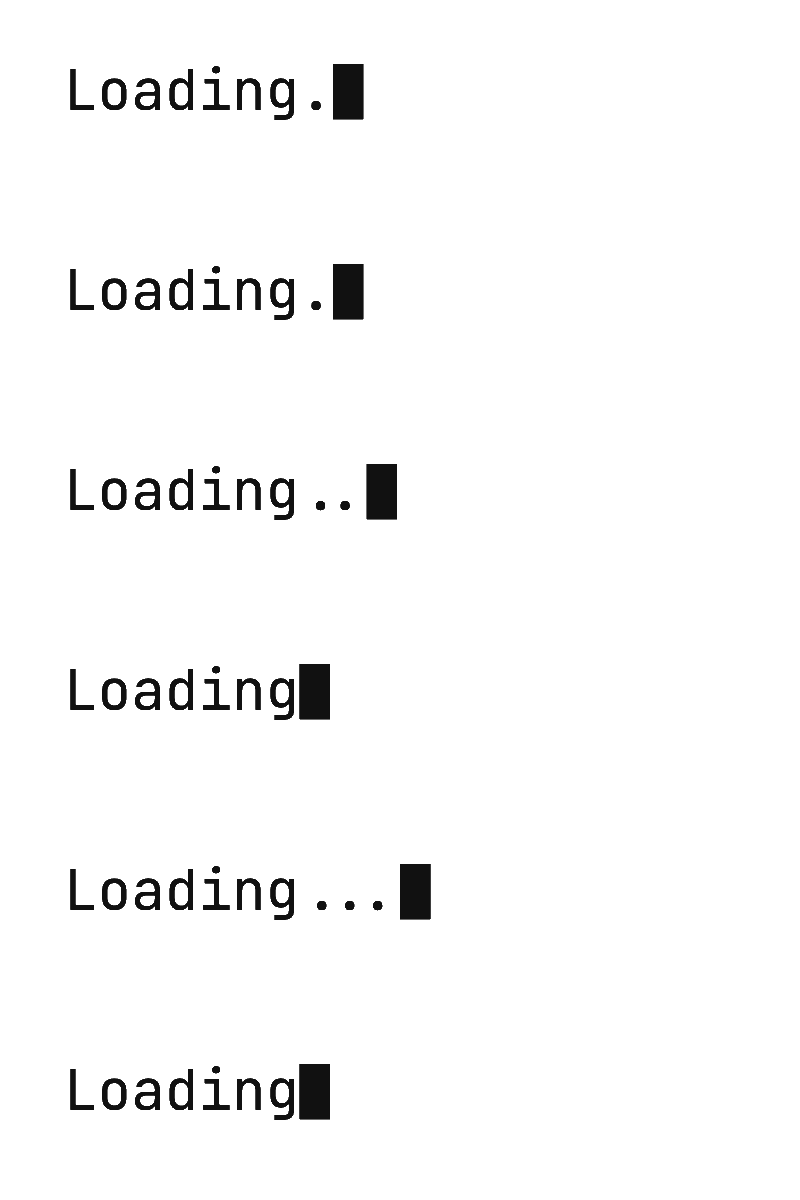

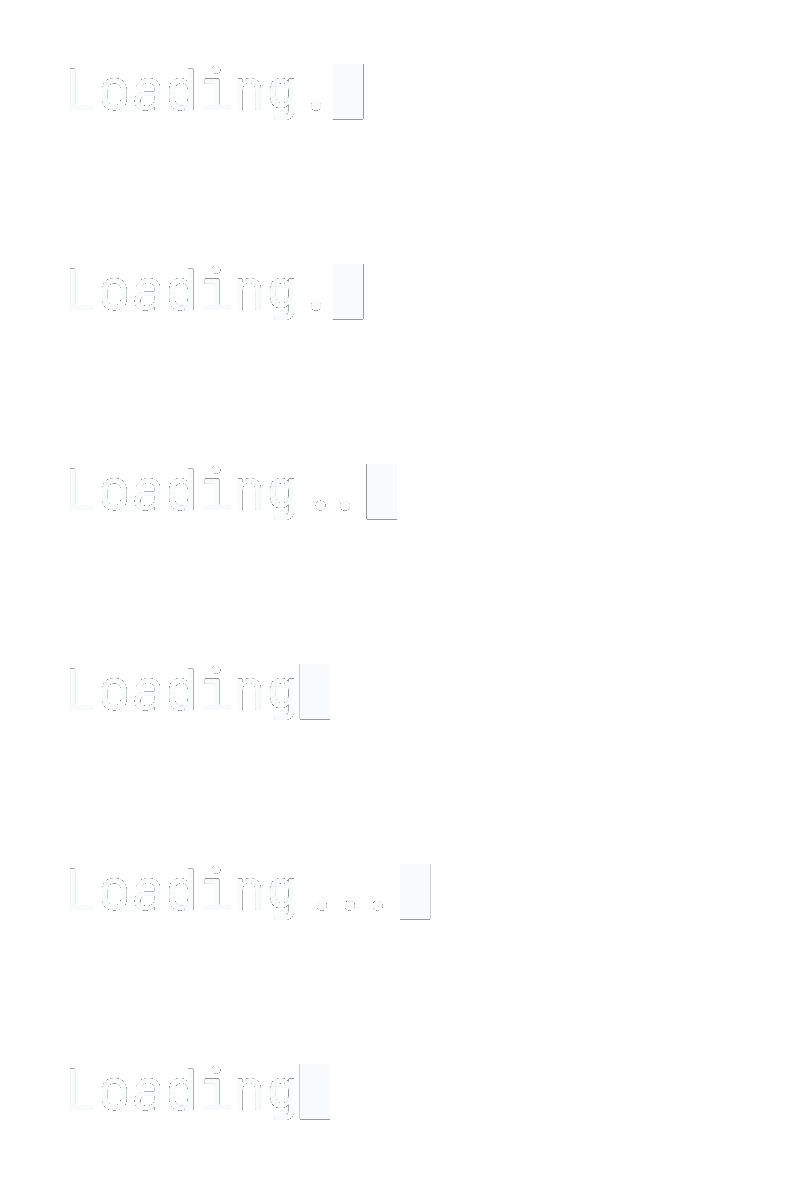



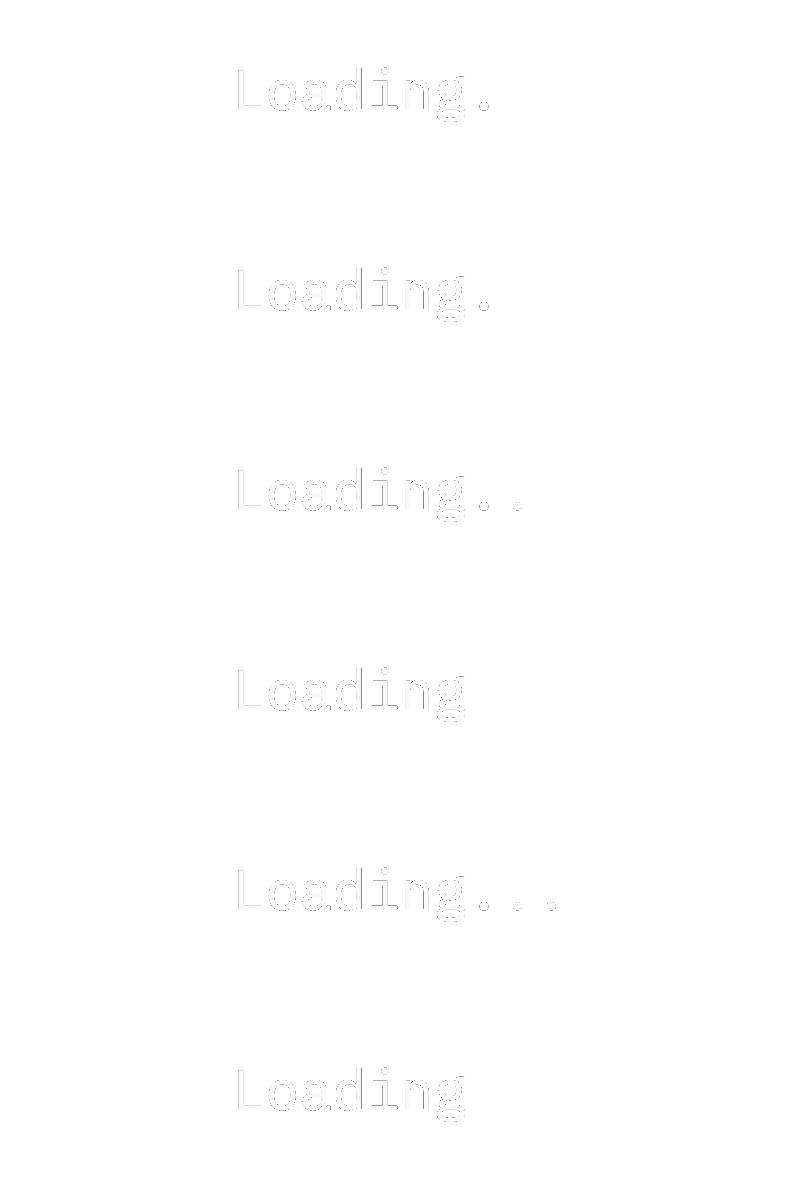



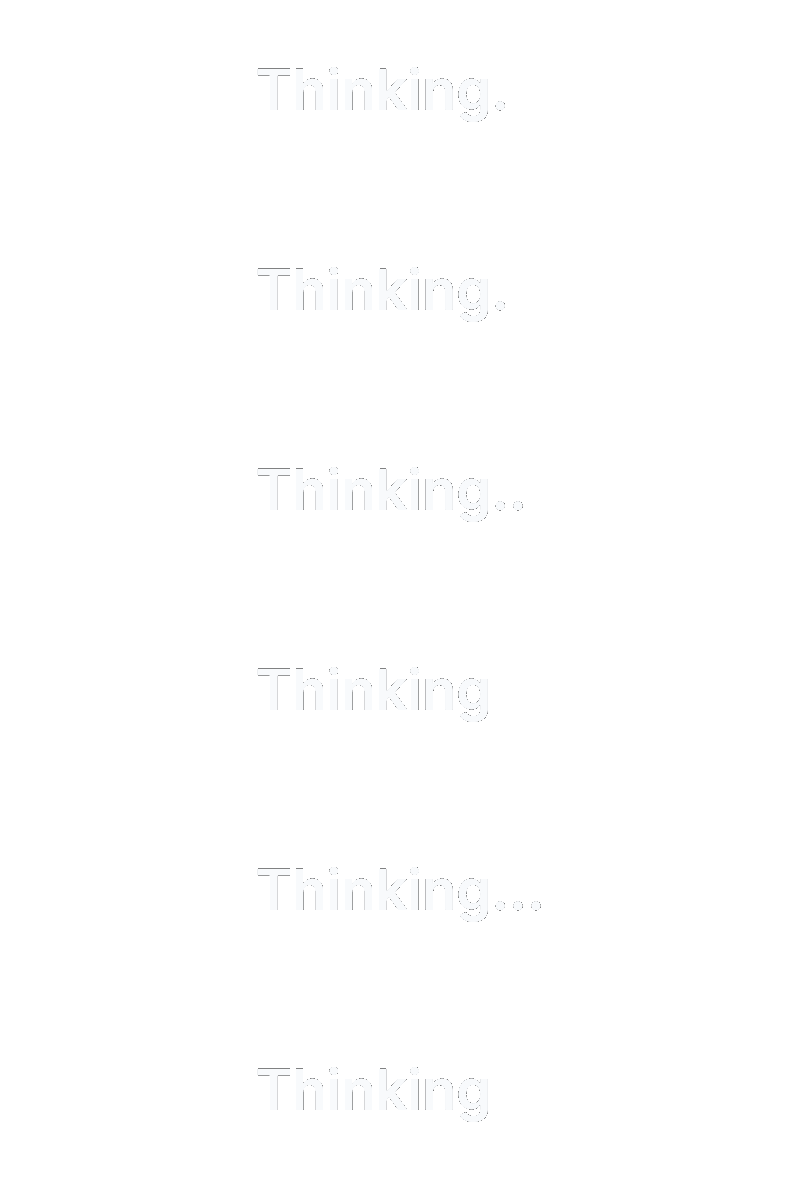
When deadlines are tight, you might simply need a dependable asset that drops straight into your interface without opening design software. For direct implementation, you can grab ready-made transparent loading GIFs directly from this collection. These standard animations include both dark and light text variations designed to contrast cleanly against bright interfaces or moody dark-mode dashboards.
Pre-built files feature "Loading" with cycling dots in both typewriter and terminal styles, along with "Thinking" with cycling dots, each available in dark and light text on transparent backgrounds. Each pre-rendered file is optimized for quick loading, minimal bandwidth overhead, and continuous playback across web browsers and mobile clients.
If your project requires specific terminology, branded phrasing, or a unique visual cadence, you can open the built-in generator below. Transitioning from a stock download to a custom animation requires just a few keystrokes in the live preview canvas. Customize any phrase or timing directly within our typing GIF maker to generate tailored progress sequences.
- Six ready-to-use animations featuring dark and light typography.
- Smooth looping dot cadences optimized for web and presentation use.
- Zero watermarks, licensing fees, or registration requirements.
- Instant local downloads that save directly to your computer or phone.
Free and paid export specifications
Exports contain no logos, branding, or overlays, only the text you type.
All rendering and encoding happen inside your browser, so your text is never sent to or stored on a server.
- License
- Free and paid exports can be used commercially. No attribution required.
- Free plan
- No watermark, no sign-up, no export limit
- Free GIF exports
- Up to 1280 px on the longest edge, 15 fps, up to 15 seconds. The pixel-frame budget limits a 1280 × 1280 square GIF to about 10 s.
- Free MP4 exports
- 1080p, 30 fps, up to 60 seconds
- HD GIF exports
- Up to 1920 px on the longest edge; ~8 s wide/portrait, ~4.4 s square, ~18 s banner. GIF exports also have a 250 million pixel-frame budget; maximum duration depends on size.
- Credit pricing
- $5 for 20 credits
- Credit terms
- One credit per HD GIF export, one-time payment, credits never expire
- Character limit
- Up to 280 characters across three animation styles
Loading text GIF maker for custom waiting messages
Generic progress spinners often feel disconnected from what an application or bot is actually doing. Using a dedicated loading text GIF maker lets you match the graphic to the exact activity underway. Instead of a vague spinner, you can display contextual phrases such as "Thinking...", "Rendering scene...", "Uploading assets...", or "Connecting to server...".
Contextual waiting animations provide immediate visual clarity to users, reducing perceived wait times during multi-step procedures. Entering your copy into the editor is straightforward, supporting up to 280 graphemes per animation. You can select container dimensions from the supported aspect ratios (16:9, 1:1, 9:16 and 4:1 banner), ensuring your graphic fits snugly into chat widgets, status cards, or widescreen slides. For classic typewriter typography and authentic mechanical carets, explore our Typewriter text GIF configuration guide.
The layout engine automatically sizes your typography relative to the canvas dimensions. It evaluates 100%, 84%, 68%, 50% to guarantee your copy remains balanced within the viewable boundary. If your phrase extends beyond the layout boundaries, the editor signals precisely how many characters need trimming before rendering.
- Communicates precise background actions like syncing, querying, or calculating.
- Supports compact banner proportions and standard square dimensions.
- Generates clean typography formatted automatically to your canvas size.
- Keeps text strictly within your browser for full operational privacy.
Aesthetic loading text with rotating endings and pacing
Crafting an aesthetic loading text GIF requires careful attention to pacing and cyclical motion. Rather than a flat, unchanging line, dynamic loading sequences frequently use incremental periods or changing state descriptors. Using rotating endings, you can configure between 2 and 6 cyclical variations inside a single animation.
A classic progression begins with the root word "Loading" and rotates progressively through "Loading.", "Loading..", and "Loading..." before looping back seamlessly. You can adjust the characters per second to achieve a calm, contemplative cadence or a rapid computational flash. The animation engine also incorporates natural pauses after punctuation marks to maintain organic flow. Test different dot progressions and typing rhythms inside typinggif to see live frame playback.
Typography plays an equally vital role in styling your graphic. You can select between mechanical or contemporary aesthetics using the provided typefaces (Inter, JetBrains Mono, IBM Plex Mono, Space Grotesk). Monospace options like JetBrains Mono and IBM Plex Mono anchor characters into fixed columns, preventing horizontal jitter as periods appear and vanish. Modern sans-serif choices like Inter provide a polished UI appearance suitable for minimalist product mockups.
- Cycle between 2 and 6 progressive dot states for seamless looping.
- Prevent horizontal text jitter during animation using fixed-width monospace fonts.
- Fine-tune characters per second for relaxed or brisk typing tempos.
- Punctuation rests add realistic cadence between phrases.
Transparent loading GIF options and clean matte edges
Exporting a transparent loading text GIF requires understanding how the GIF specification handles transparency. The format relies on 1-bit transparency, meaning every pixel is either completely opaque or entirely clear. Because semi-transparent pixels do not exist in standard GIF files, anti-aliased font smoothing must blend against a matte color to avoid jagged contours.
The rendering system blends letter outlines against an automated matte: black matte for white text, and white matte for all other typography shades. When preparing transparent assets, pairing white text against dark destination surfaces or dark text against light backgrounds produces crisp, halo-free boundaries.
If your user interface features vibrant backgrounds, photo banners, or complex gradients where a matte edge might show fringing, solid backdrops provide crisp contrast. You can pick high-contrast combinations such as white text on black or black text on white with the background and text color controls.
- 1-bit transparency handles binary visibility without intermediate alpha channels.
- Automated black and white mattes optimize legibility against matching surfaces.
- Solid presets prevent haloing when placed over multi-colored application interfaces.
- Color pickers allow custom branding for terminal prompts or UI mockups.
Where to deploy your loading text animation
An animated loading text GIF serves multiple functional and creative purposes across digital channels. In remote work hubs like Slack or Discord, you can post a looping waiting animation in a channel or use it as a bot reply while it works, signaling to colleagues that a task is underway or code is compiling. Discord and Slack are trademarks of their respective owners; typinggif is not affiliated with them.
For business speakers and educators, inserting a loading graphic into presentation decks creates an effective "please wait" or "breakout session" screen while participants assemble. Web designers and software engineers frequently embed compact loading loops into GitHub documentation, staging prototypes, and UI component previews before backend services are fully wired.
Because our files render as pure animated GIF or silent MP4 files without external script dependencies, they run reliably anywhere standard image formats are permitted. You can generate compact banners or square badges that loop smoothly without causing browser lag. Generate high-contrast waiting animations anytime using our browser-based typing text GIF maker.
- Posting waiting animations in team chat channels in Slack and Discord.
- Engaging intermission and waiting slides for video conferences.
- Interactive UI mockups and client presentation prototypes.
- Repository documentation and project overview README files.
How to make your animation
Enter your waiting text and endings
Type the base word (for example "Loading") and set the endings to ".", "..", "...".
Select styling, colors, and canvas shape
Pick a monospace or sans-serif font, choose an aspect ratio like 1:1 or 4:1 banner, and select a transparent or solid color preset.
Preview and export your animated loop
Review the live playback cadence in your browser. When satisfied, click export to generate your watermark-free GIF or MP4 file.
Frequently asked questions
What are the free export limits versus paid exports?
Free GIF exports support files up to 1280 px on the longest edge at 15 fps for up to 15 s. Free MP4 videos export up to 1080p at 30 fps for up to 60 s with no watermark. For larger resolutions, HD GIF exports reach 1920 px and require credits from our starter pack ($5 for 20 credits). MP4 exports are always completely free.
Is my text private when creating a loading text GIF?
Yes. All layout calculations, font styling, and frame rendering run client-side directly within your web browser. Your text is never transmitted or stored on our servers.
How long does it take to render and export an animation?
Rendering happens locally through your browser engine. Short loading clips typically complete within a few seconds, though exact timing depends on your device hardware, chosen frame rate, canvas dimensions, and total duration.
What is the policy regarding retries and refunds?
The same work and settings can be retried within 24 hours without another credit. Unused credits are refundable within 7 days of purchase.
How do I make a transparent loading GIF with cycling dots?
Pick a text color and choose the transparent background. In the text field, type the base word (for example "Loading") and set the endings to ".", "..", "...". The tool automatically animates the dots in a continuous loop.
Can I customize the words to say something other than loading?
Yes. You can enter any custom phrase up to 280 graphemes. Common alternatives include "Thinking...", "Rendering...", "Searching...", "Analyzing data...", or specialized bot commands.
Can I use downloaded loading GIFs in commercial projects?
Yes. Both free and paid exports can be used in commercial products, client websites, slide presentations, and software applications without attribution.
Last updated: 2026-10-27