Text gif generator
typinggif is an in-browser text gif generator for anyone who needs animated typing text for documentation, websites, or video projects. You can create and export real GIF files for free without an account or watermarks.
Free and paid export specifications
Exports contain no logos, branding, or overlays, only the text you type.
All rendering and encoding happen inside your browser, so your text is never sent to or stored on a server.
- Free plan
- No watermark, no sign-up, no export limit
- Free GIF exports
- Up to 800 px on the longest edge, 15 fps, up to 10 seconds
- Free MP4 exports
- 720p, 30 fps, up to 10 seconds
- Paid GIF exports
- Up to 1280 px on the longest edge, up to 15 seconds
- Paid MP4 exports
- 1080p, up to 60 seconds
- Credit pricing
- $9 for 5 credits or $19 for 20
- Credit terms
- One credit per export, one-time payment, credits never expire
- Character limit
- Up to 280 characters across three animation styles
Browser-based text GIF generator with transparent exports
In plain terms: A text GIF generator converts written words into a looping animation where characters appear in sequence, then saves that animation as a standard image file.
You type your text, choose an animation style, and pick a font. The animation is drawn and encoded directly inside your browser on your device. Your text is never uploaded to an external server. Before you export, the tool checks what your browser can encode and enables the selected download when that check passes. Once processing finishes, you can download the real GIF or silent MP4 file immediately.
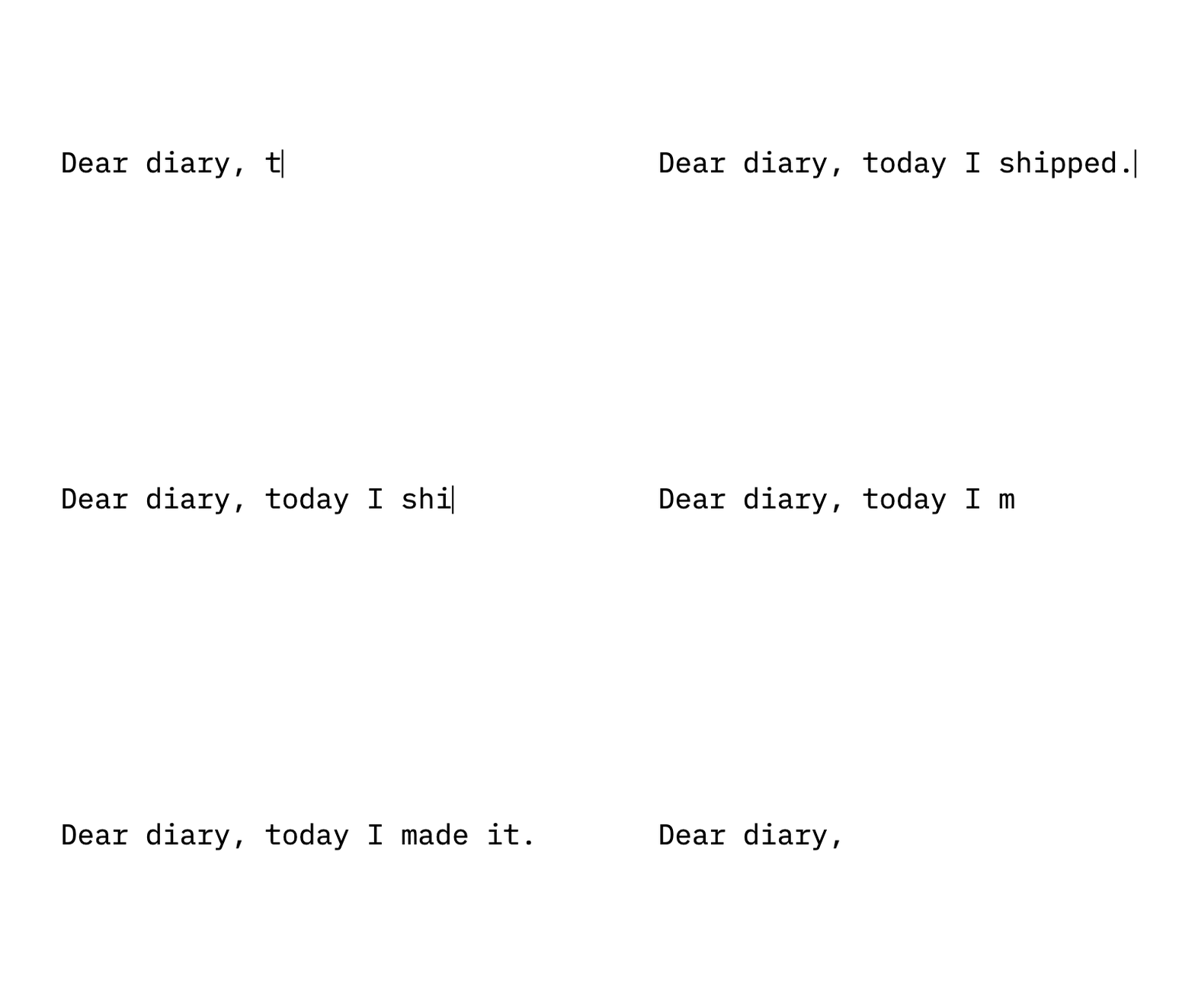
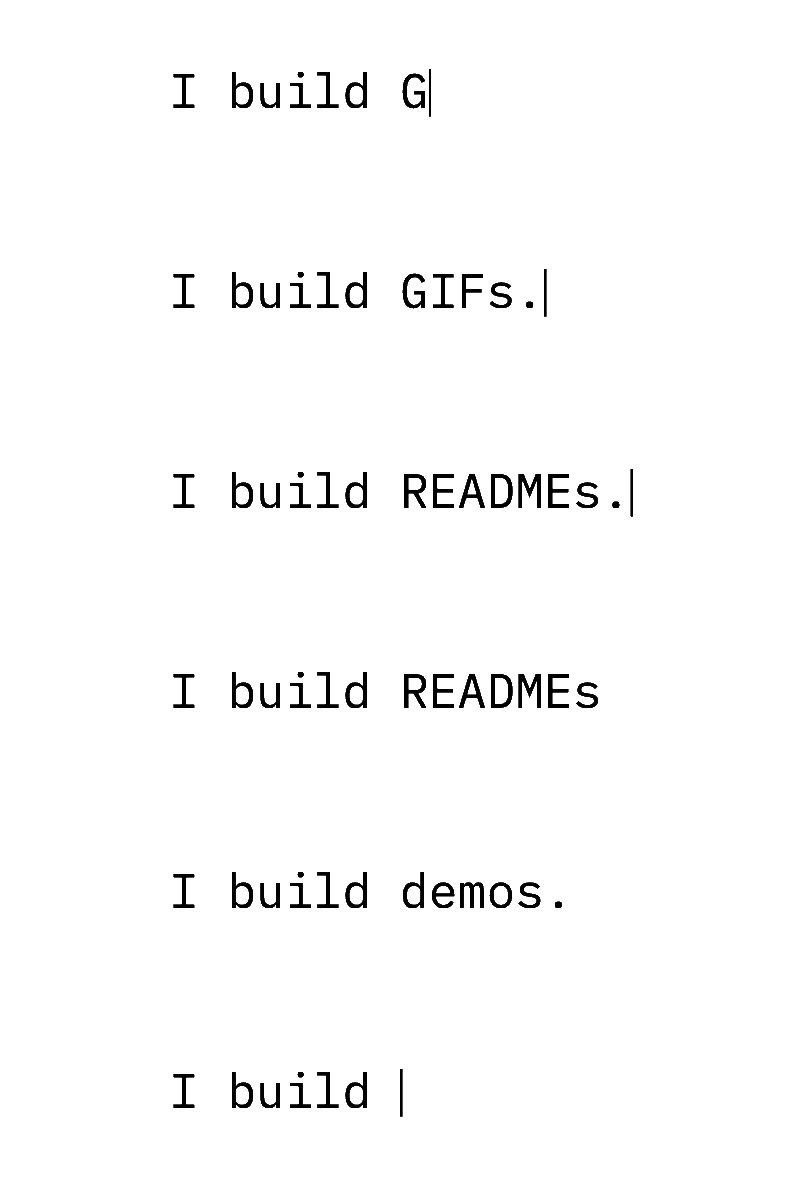
Animated text GIFs for technical documentation, repositories, and chat
Graphics Interchange Format files remain practical across software workflows because they behave as standard static images while displaying motion. A typing GIF loops automatically across environments where video embeds are prohibited or require active user playback. When documenting a command-line utility, writing documentation pages, preparing slide decks, or sharing updates in team chat spaces like Slack and Discord, an animated image demonstrates software behavior immediately. Because the format requires no video player UI, control bars, or unmuting steps, readers observe the text sequence within the flow of the document.
The browser-based generator creates lightweight animations up to 800 px on the longest edge at 15 fps, running up to 10 s and under 50 MiB without an account or watermark. Larger renders reaching 1280 px and 15 s are available with credits. All frame composition and encoding run directly inside your client browser session, meaning your copy never leaves your machine. File names generate automatically from the text you type, and when rendering completes, the interface provides a preformatted Markdown snippet to drop straight into your files.
Managing color palettes, 1-bit transparency, and aspect ratios
Every frame in a GIF is restricted to an indexed palette of at most 256 colours. This restriction works well for typography because text animations contain few hues, keeping file payloads compact. However, transparency in standard GIF encoding is strictly 1-bit, meaning a pixel is either fully opaque or completely clear. Semitransparent anti-aliasing pixels do not exist in the specification. To avoid rough fringing around letterforms, edge pixels blend against your chosen matte colour. For seamless display, match the matte tone to the background colour of the webpage, documentation theme, or slide where the image will sit.
Choosing the appropriate canvas proportions also prevents unwanted scaling artifacts and excessive file sizes. The Banner (4:1) preset fits documentation headers and GitHub project overviews cleanly without pushing essential instructions below the fold. The 1:1 square preset works reliably for avatar slots, chat channels, and inline product callouts. For full-screen presentation decks or video title cards, the 16:9 ratio matches modern widescreen layouts, while 9:16 fits vertical displays. Selecting solid backgrounds or precise matte values ensures sharp glyphs across Inter, JetBrains Mono, IBM Plex Mono, and Space Grotesk.
Typing styles, punctuation pauses, and rotating endings
You can select from three styles: Typewriter with a thin caret, Terminal with a prompt and block cursor, or Word by word. Natural punctuation pauses add a short hold after commas, semicolons, and colons, and a longer hold after periods, question marks, and exclamation marks. A timing strip under the preview shows when each character appears and where pauses fall. You can also turn pauses off, or set up a rotating ending to type, delete, and retype between 2 and 6 different endings in a loop.
Specifications
- Maximum length: Up to 280 characters; text shrinks to fit. Extra line breaks and rotating endings may need shorter text. Emojis and accented letters count as one character; over-limit warnings show the exact character overage
- Fonts included: Inter, JetBrains Mono, IBM Plex Mono, Space Grotesk
- Styles: Typewriter, Terminal, Word by word
- Free export limits: GIF up to 800 px longest edge at 15 fps (up to 10 s); MP4 at 720p 30 fps (up to 10 s)
- Paid export limits: GIF up to 1280 px (up to 15 s); MP4 at 1080p 30 fps (up to 60 s)
- GIF exports also have a 250 million pixel-frame budget; maximum duration depends on size.
- Background options: Solid colors, 1-bit transparent GIF, and green-screen #00B140
- File cap: 50 MiB limit on GIF files
- Export extras: Ready-to-paste Markdown line for a GitHub README provided after download
How to make your animation
Write your text
Enter up to 280 characters. Text shrinks to fit the canvas; extra line breaks and rotating endings may need shorter text. Choose typewriter, terminal, or word-by-word animation.
Preview your animation
Choose an OFL font, colors, timing, and size. Check the full animation before exporting.
Download GIF or MP4
Your device checks the selected format before you export. Download the finished file directly from your browser.
Frequently asked questions
Is this text GIF generator free to use?
Yes, it is free. You can export GIFs up to 800 pixels at 15 fps and MP4 videos at 720p up to 10 seconds. There are no watermarks, no sign-ups, and no limits on the number of free exports.
Can I export a transparent text GIF?
Yes, you can export GIFs with 1-bit transparency. MP4 video files cannot have transparent backgrounds, but you can select the #00B140 green-screen background option for video editing.
Does the GIF loop continuously?
Yes, by default. You can turn looping off in More options. You can also configure rotating endings where the initial part of the line remains static while 2 to 6 endings type out, delete, and retype in a sequence.
Does typinggif upload my text to a server?
No, typinggif does not upload your text. The animation is drawn and encoded locally inside your browser on your own device.
How much do paid credits cost?
Paid credits cost $9 for 5 credits ($1.80 per export) or $19 for 20 credits ($0.95 per export). They are sold as a one-time payment and never expire. Unused credits are refundable within 7 days.
What happens if I make a typo on a paid export?
Retry the same work and output settings with the same action for 24 hours without another credit. Changing either uses one new credit.
What fonts are available?
You can use Inter, JetBrains Mono, IBM Plex Mono, or Space Grotesk. All four fonts are included directly in the tool under open licenses.
Why do letter edges look rough when placed over a different background using transparency?
The format uses 1-bit transparency, which cannot store semi-opaque alpha pixels. The generator smooths letter edges by blending edge pixels with your selected matte colour. If that matte differs noticeably from your destination background, a visible outline appears. Setting the matte to match your page background resolves the fringe.
How does the rotating endings feature affect the final GIF file size?
Configuring between 2 and 6 alternate endings increases total duration as each phrase types out, pauses, deletes, and switches. Because each added ending introduces unique frames into the sequence, the resulting file contains more frame data and takes longer to encode within the browser.
Last updated: 2026-10-23